
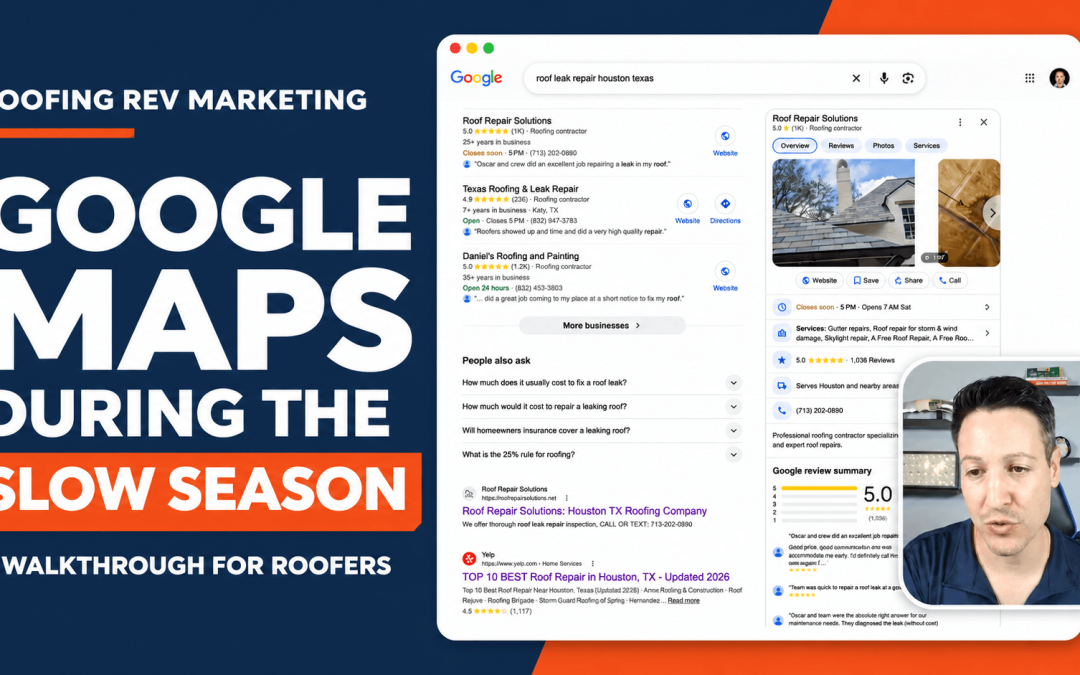
If you are worried about leads from your Google Maps drying up during the slow season, then this walkthrough is for you. We will start with the work you want more of during the cold months. If you’re detecting leaks and tarping roofs, put those services at the top of your Google Business Profile service list, in order of importance. Then show people you actually do that work and in that area.
Your business didn’t stop operating. The work you can service and what people need just changed.
In the video, I searched for “roof leak repair” in Houston. I skipped the ads, opened the profiles, and looked at what a property owner could actually see. Which services came up first? Could I see evidence of the work? Were there reviews from people who had a leak fixed? And when I clicked through to the website, could I find a page that actually explained the service and process in detail?
Do that same search in your own market. Then open YOUR profile. If everything someone sees is about replacements, how are they supposed to know you can help with a leak?
What people want and need directly correlates with what Google shows them. And that changes with the seasons. So you better pay attention, or you won’t be in the race this winter.
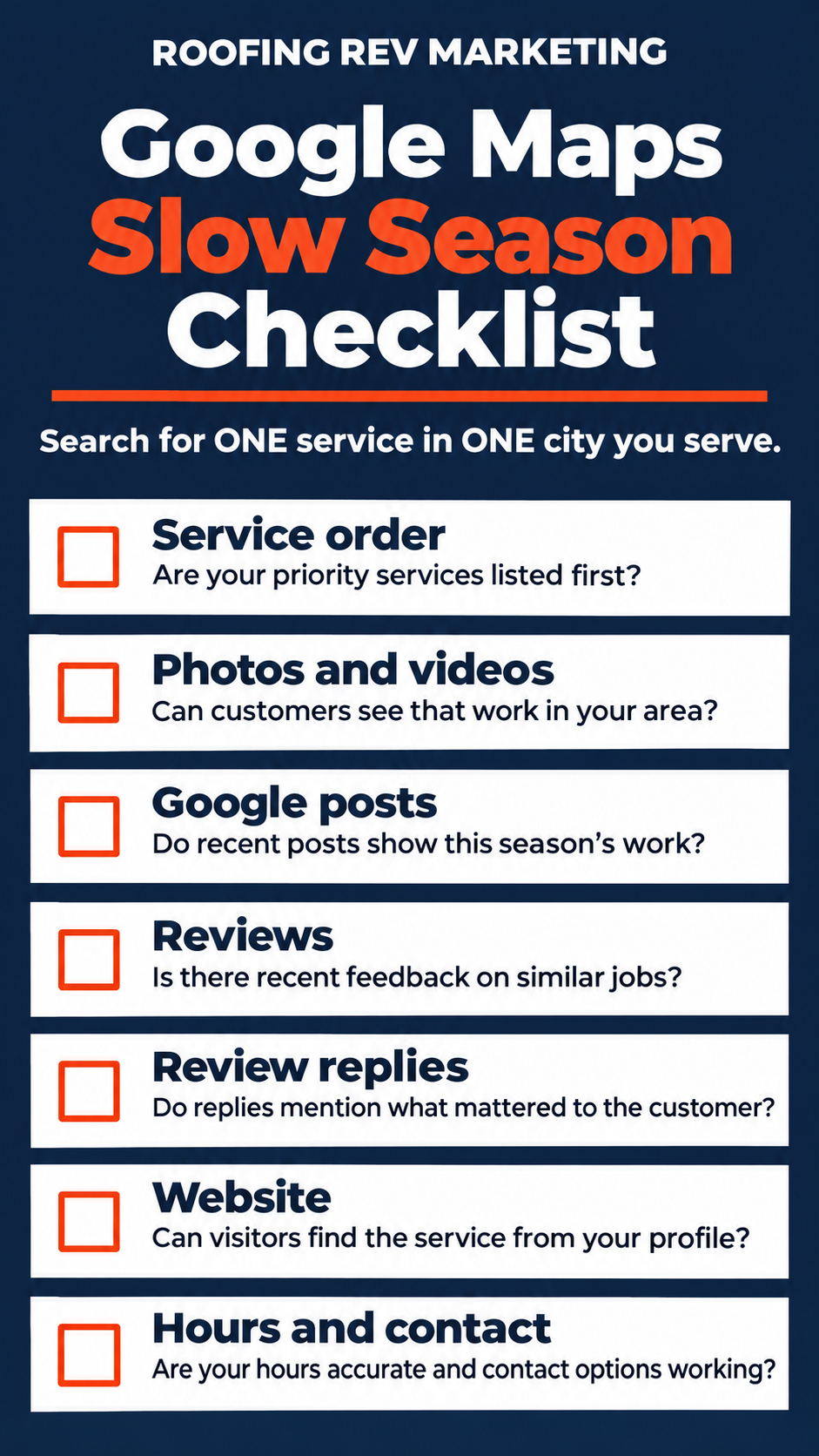
Google Maps Slow Season Checklist
Search for ONE service you want more of in ONE city you serve. I searched for “roof leak repair” in Houston. Use your own service and city, then open your Google Business Profile and look at it like a property owner who needs help.
- Service order: Are the services you want most this season at the top, in order of importance?
- Photos and videos: Can we see actual examples of the work you say you do, in the areas you say you do it in?
- Google posts: Do your recent updates talk about the work you’re taking on this season?
- Reviews: Can I find a customer who hired you for a similar job? How recent is the feedback?
- Review replies: Do your replies talk about the job details and what mattered most to the customer?
- Website: When I click through from your profile, can I find a page that exclusively explains that service?
- Hours and contact: Can I tell when to reach you? Do the call, estimate, or booking options work?
Put Your Slow Season Services First
When I recorded this walkthrough, my clients were still doing roof replacements. We hadn’t made their seasonal changes yet. Nor did I get permission to use their profile as an example for this. So I used Houston because I don’t have clients there and could walk through public examples.
I started with the service lists. I searched for roof leak repair because I wanted to see how quickly I could find it. On some profiles, repairs showed up right away. On others, I had to click on service to see their full list.
Here’s what you should do on your own profile. Decide which jobs you want most this season, then put those services in the top positions under the services menu. If leak repair is your priority, put it first. If leak detection is next, put it second. If emergency tarping is third, put it third.
Keep roof replacement listed if you still offer it for those in warmer areas, or you can move it further down the list under repairs. Keep in mind that Google is only going to show property owners the first 4-6 services you offer. They will have to click to view more, and I’ll tell you right now, no one is going to click to view more.
Once you’ve made the changes, click Save, and open the public profile again to see what a customer can actually see now.
Can They See That You’ve Done the Work?
As I clicked through the top 3 Houston profiles, they all had photos and videos. One profile even had a before-and-after shot of a roof repair. This gives your target audience something to look at beyond a list of services.
If you say you repair roof leaks, SHOW THEM!
And show work from the areas you actually serve. Your service-area list tells people where you go. Your project photos show what you’ve actually done there.
You don’t need to wait for a full replacement to have something worth posting. If you fixed a leak or tarped a roof until the weather allows for a permanent repair, show that job. Use the photos or video in a Google post and tell people what the customer needed and what your crew did. Upload those pictures and videos to your Google media library also.
What Do Your Reviews Say About That Work?
When I searched for roof leak repair, I saw review excerpts about fixing leaks, patching roofs, and making repairs. Some people said, “fixed.” Others said, “patched.” Either way, I could tell the company had helped someone with the problem I was searching for.
And Google does too, so it treats those words as the same.
Look at your own reviews. If I’m trying to get a leak fixed, can I find a customer who hired you for that? Or am I scrolling through one replacement or unrelated job after another?
Ask for the Review While the Work Is Fresh
Say you tarp a roof in January, but you can’t get back out there for the permanent repair until spring. Why wait until spring to ask for a review?
You already helped the customer. They’re happy. Ask them to write a review about their experience. Let them tell the story in their own words.
Same thing if you tracked down a leak and patched their roof. If you’re doing that work every week, keep asking for reviews every week. Don’t let your review requests slow down just because the jobs are smaller.
The beauty is, you can ask for another review later when the permanent fix is made, so now you got two reviews out of one customer. Or, the customer can just update their original review to reflect both services.
For more on roofing reviews, read How AI Turns Roofing Reviews Into More Jobs.
Look Past the Review Count
In my Houston searches, the company with the most reviews wasn’t always first. When I switched from the main Google results to Maps, the order changed again.
I also sorted the reviews by newest. That showed me something the totals couldn’t. One company had received a review less than a day earlier. Another company’s newest review was two months old at the time of the walkthrough.
So before you look at a competitor’s total and decide you’ll never catch up, look at when they last got a review. Look to see if they are getting consistent reviews currently. Read what services are being reviewed recently. Staring at their number doesn’t get YOU another review.
Respond to What Mattered to the Customer
If a customer says your crew got back to them quickly and fixed the leak, talk about that in your reply. If they say they appreciated the attention to detail, acknowledge it. Write like you remember the customer and the job.
Pay attention to what comes up more than once. In the walkthrough, I saw customers mention attention to detail, leak repairs, and professional crews. There are numbers next to each so you can determine clear winners of what matters most.
If your customers keep bringing up the same things, that gives you something to talk about on your website, in your GBP and social posts, during your sales process, and on your estimates.
Simply put, if it was important to that customer, chances are, it is important to lots of other potential customers.
Does Your Website Back Up What Your Profile Says?
After looking at the profiles, I opened the companies’ websites. I wanted to see what would happen if I clicked through looking for help with a roof leak.
On one site, I found some repair information on the homepage that linked to a dedicated roof repair page. That gave me somewhere to go to learn more about the service I’d searched for.
I used Find to see how often “leak” and “repair” showed up on the pages. I did this to prove that you don’t have to use exact keywords like “roof leak repair” in every sentence. It is okay to split the keyphrase up because they are treated as several combinations of words like this:
- roof leak repair
- roof repair
- roof leak
- leak repair
Open your website from your Google Business Profile or Google Maps and see how quickly you can find the service you want to sell during slow season. If the homepage is all replacements and you want repairs, give the person with a leak a clear way to get to your repair page.
Can Customers Reach You When They Need Help?
In the Houston search, I saw Google’s filters such as “Open now” and “Online estimates.” Some profiles also had a booking option.
What does that tell us?
That Google and potential customers want to filter the results for someone open now, who offers online estimates, and who can book an appointment on their terms.
Look at yours from the customer’s point of view. You found the roofer. You leak. Now what?
Try the next step yourself. If there’s a booking option, see where it takes you. If people can request an estimate online, check that the option is easy to find and works. Look at your hours and make sure they reflect when someone can actually reach your team.
If someone manages your profile for you, go through the same steps together. Open it and see what a customer can do with it today.
It would be a good idea to create an Online Estimates web page, to list your hours on your contact page, to have a booking widget or calendar on your inspection page.
Frequently Asked Questions
Should I remove roof replacement from my profile during the slow season?
No. Keep roof replacements listed, but change the order of the services you want most this season. Most important at top, especially the first 6. If leak repair is your first priority and emergency tarping is second, put them in that order. Check the public profile Service section to see how your services appear.
What should I post on my Google Business Profile if I’m doing fewer replacements?
Post the work you’re actually doing. If you repaired a leak or tarped a roof until the weather allows permanent work, show the project and explain what your crew did. A property owner with a similar problem can see how you helped someone who needed the same service recently, and in their city.
Should I ask for a review after an emergency tarping job?
Yes. Ask the customer about the tarping work you already completed, even if the permanent repair has to wait until later. Give them a chance to describe what happened and how your crew handled it in their own words while the experience is still fresh. A customer can always write a second review later on the finished job, or update their review to include both parts of the job.
Can I make these Google Business Profile updates myself?
Yes. Start by checking your service order, posting project photos, replying to reviews, and checking your hours and contact options. If someone manages your profile, give them the service and city you want to focus on and ask them to walk through our checklist with you.
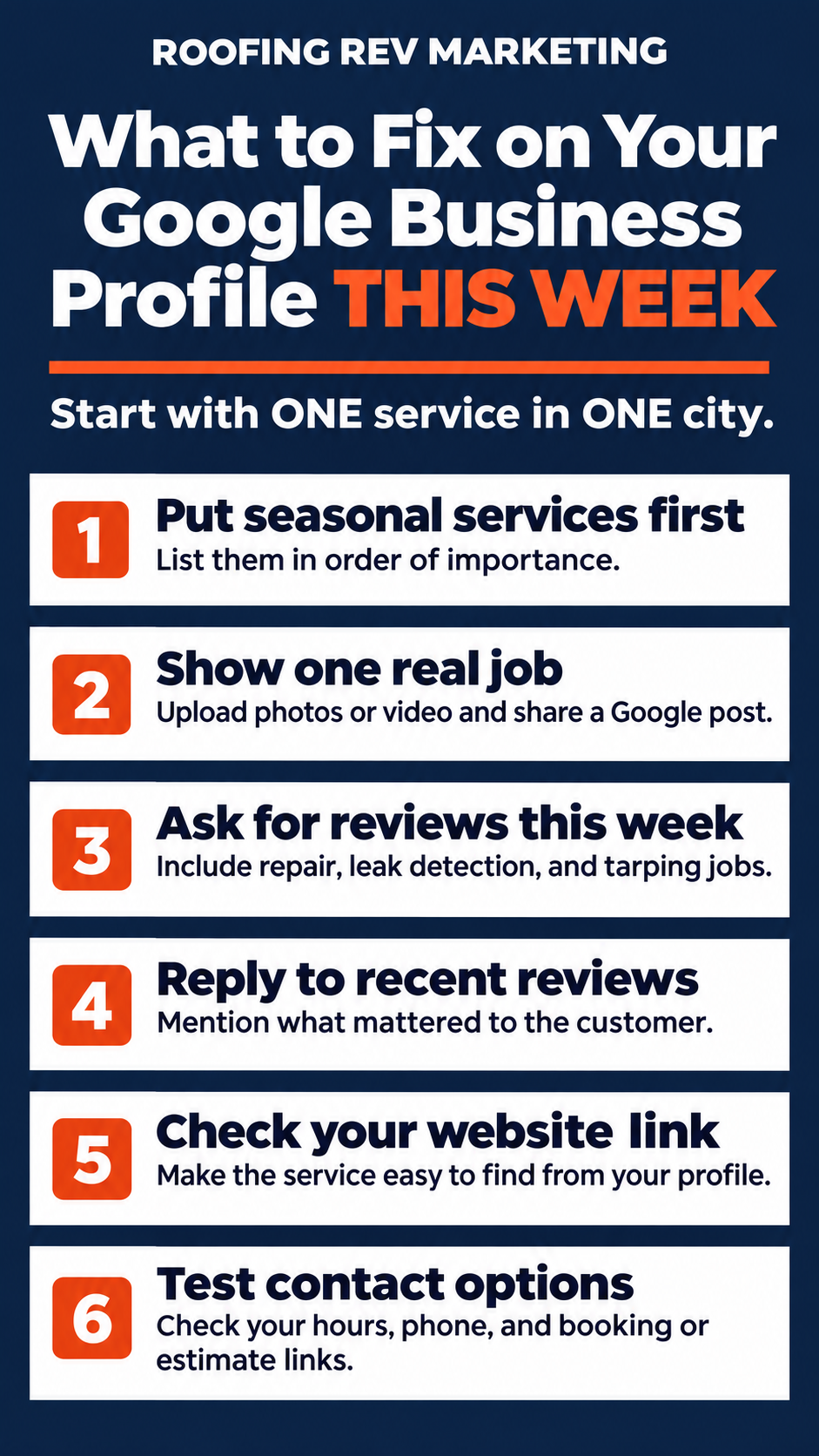
What to Fix on Your Google Business Profile This Slow Season
Pick the service you want more of first. If it’s leak repair, start there. Work through the gaps you found above, or copy this list and send it to whoever manages your profile.
- Put your seasonal services in priority order. Write down the jobs you want first, second, and third. Put them at the top of your Service menu. Then check the public listing.
- Show one real job. Pick a repair or tarping job in your service area. Upload photos or video and write a Google post explaining what the customer needed and what your crew did.
- Ask the customers you helped recently for reviews. Include repairs, leak detection, and tarping. If the permanent repair has to wait until spring, ask for feedback on the temporary fix now.
- Reply to the reviews you’ve received. If the customer mentions that your crew responded quickly or took the time to find the leak, repeat it back in your reply.
- Follow the website link from your profile. Make sure your slow season services are listed clearly on your home page, and they link to the full webpage dedicated to that service.
- Test the next step on your phone. Check the number, try the booking or estimate option if you have one, and make sure your published hours reflect when people can reach your team.
Build Your Winter-to-Spring Plan
Your Google Business Profile is one place you can put your slow-season plan to work this week. It will automatically update your Google Maps at the same time.
Decide which jobs you want, what work you can show, and which customers you can ask for reviews. Then work those steps into the rest of your plan with the Winter-to-Spring Roofing Revenue Engine™.
For more ideas beyond Google Maps, read Dominate Slow Season: Marketing Moves Roofers Must Make.

About the Author
Chris Taglia is COO of Roofing REV Marketing, where he works directly with roofing and exterior companies on SEO, Google Business Profiles, Local Services Ads, paid search, CRM automation, AI lead handling, and sales conversion systems. His recommendations are informed by active client campaigns, CRM data, sales-team meetings, and first-hand observations of how changes across Google Search, AI, Maps, and LSAs affect lead quality, appointment bookings, and revenue.

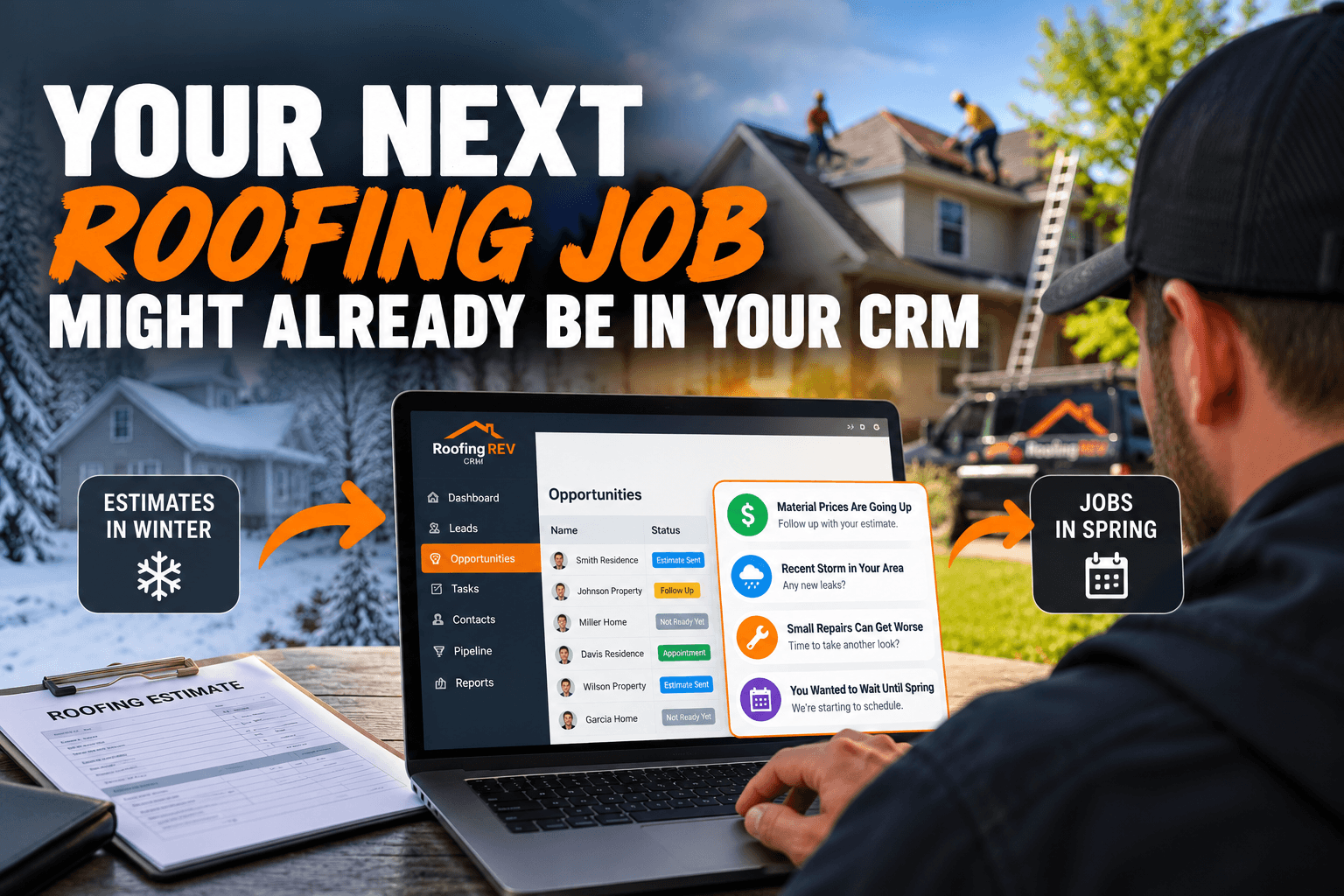
Your Next Roofing Job Might Already Be in Your CRM
What if your next roof replacement didn't require another Google Ad, another website visitor, or another new lead? What if that customer is already sitting in your CRM? Think about it. You've probably got people you never reached, estimates that went unanswered,...
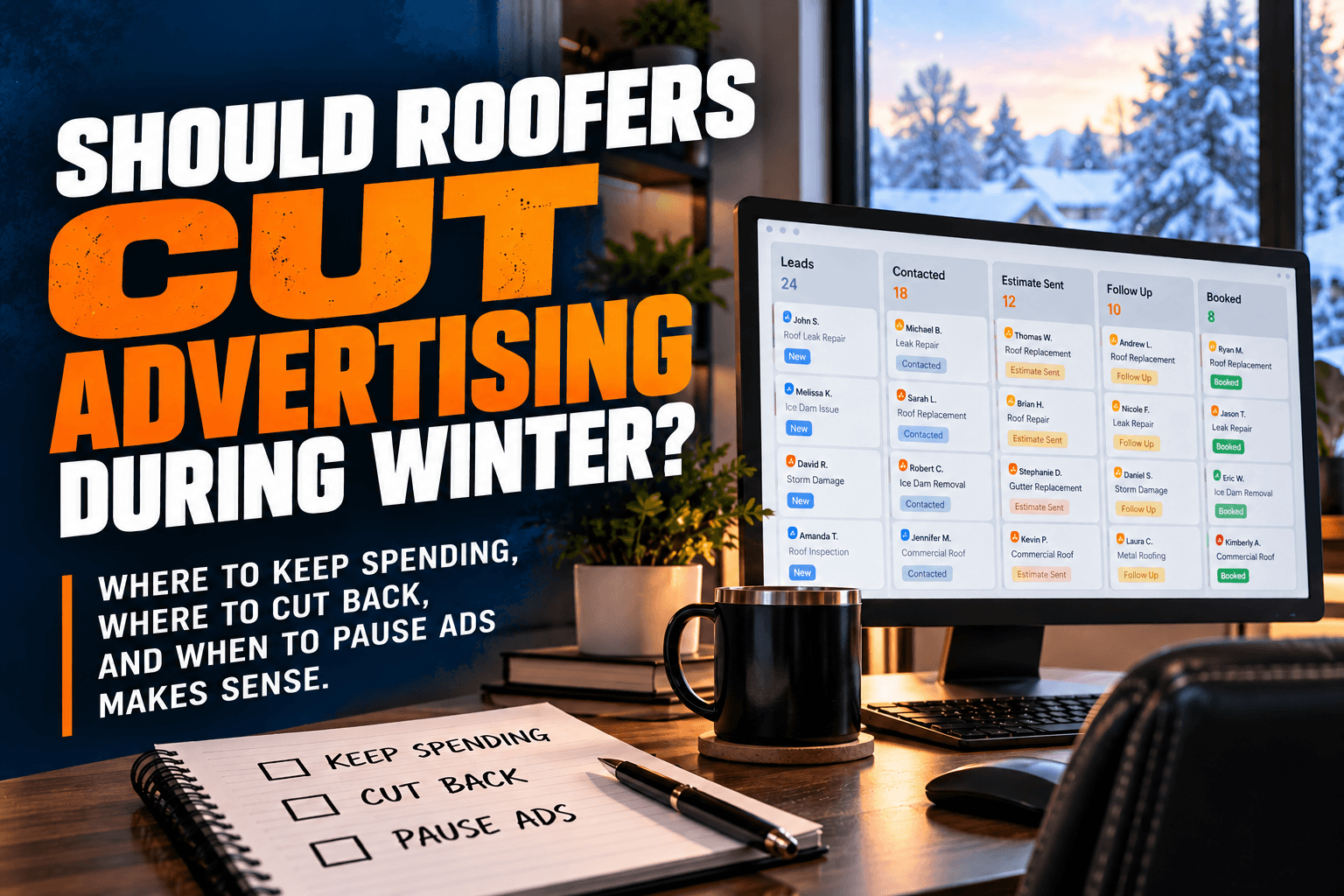
Should Roofers Cut Advertising During Winter?
Should roofing companies cut their advertising during the slower winter months? Our answer is generally NO. But that doesn't mean you should keep spending the same amount of money, advertising the same services, or targeting the same customers. I'm Chris Taglia, and...

How Small Roofing Companies Compete with Larger Roofers on Google & AI
A smaller roofing company can compete with a larger roofing contractor that's been around for decades, even with a smaller marketing budget and fewer Google reviews. The key is to stop trying to compete for every service in every city. Focus your marketing on ONE...